Let the day be your guide.
Month and year indexes take you to any day. That day’s photos, Live Photos and videos sit together, and iCloud originals download when needed.
Illustration · sample photos
Photo journal for iPhone, iPad and Apple Watch
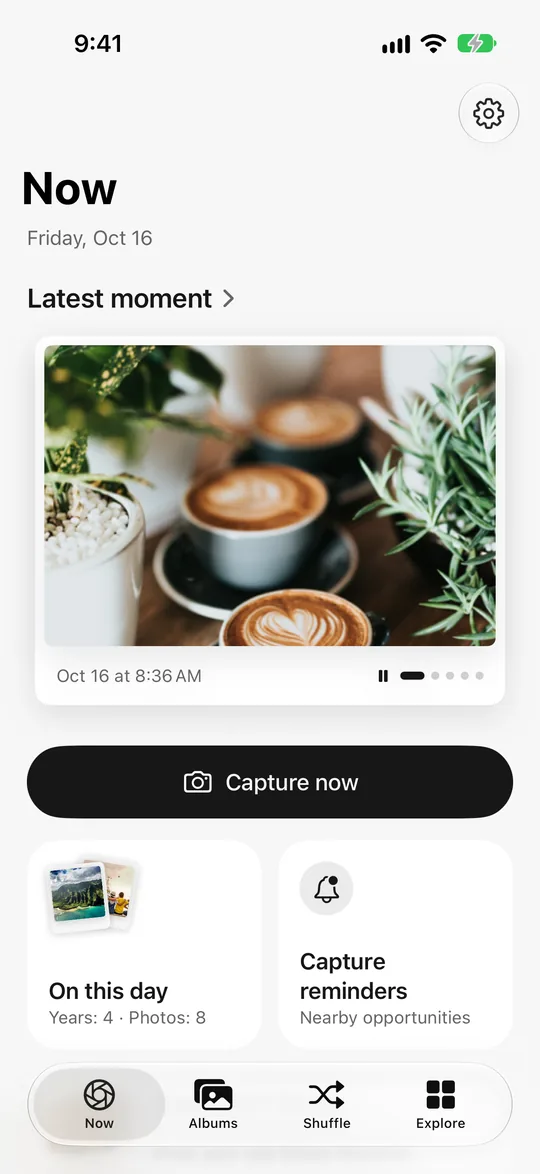
Take a photo whenever something catches your eye. The days add up and your photo calendar fills in; a year later, On This Day hands that day back to you. Your photos stay on your phone.
Not currently available on the mainland China App Store.
365 days later
Real app screens · sample photos
From day 1 to day 365
No diary to keep up, no streak to guard forever. Nowshot nudges you at a few good moments and lets time do the rest.
30 minutes before sunset

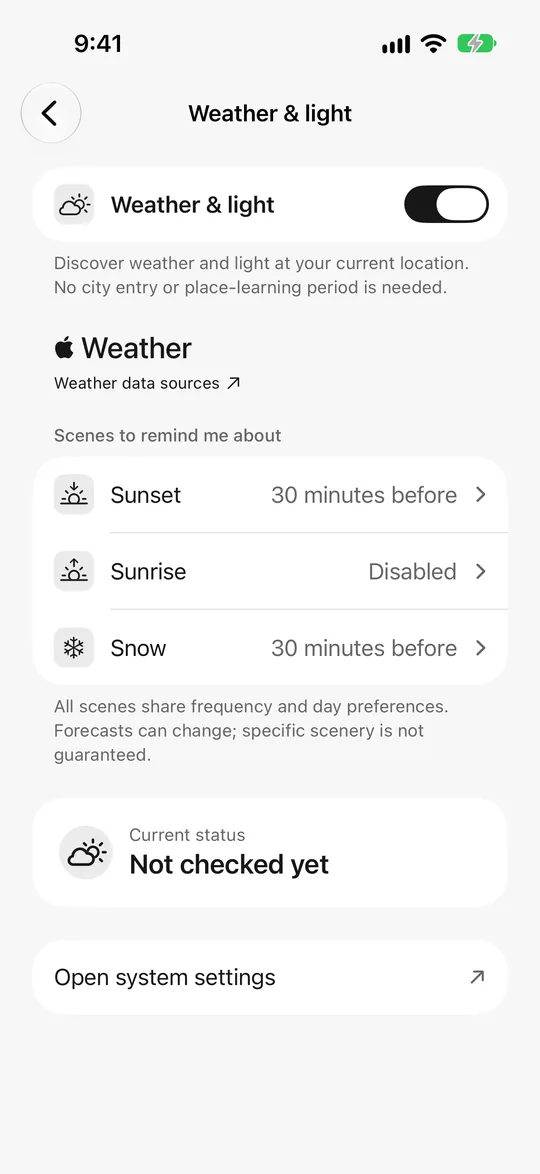
Turn on sunset, sunrise or snow reminders and get a notification before the good light arrives. Pick just one, or turn them off any time.
A month later
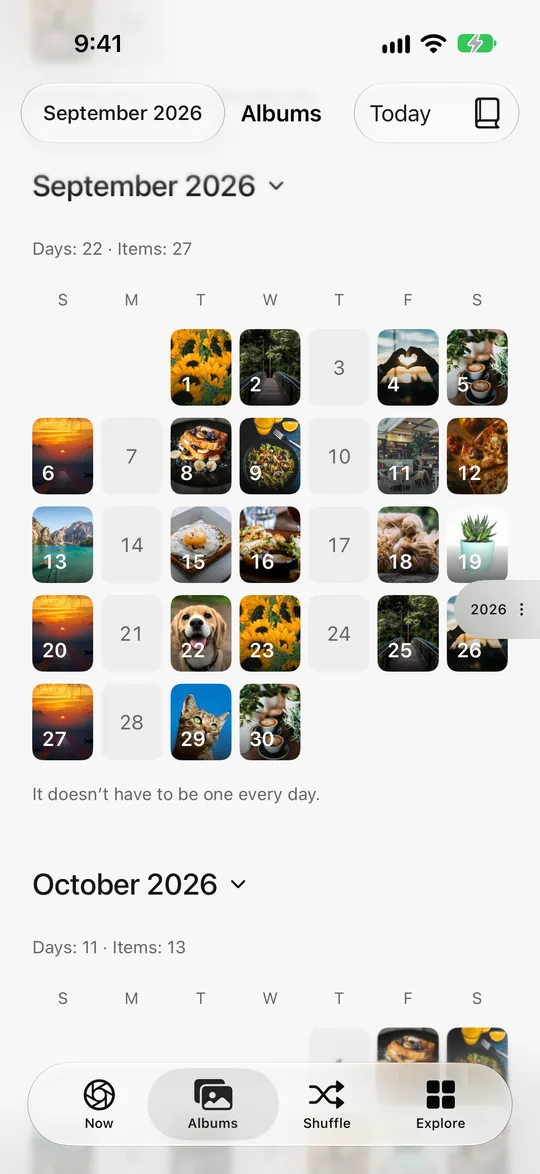
In the photo calendar, every day with photos shows its cover. Empty days are fine too; it doesn’t have to be every day.
A year later
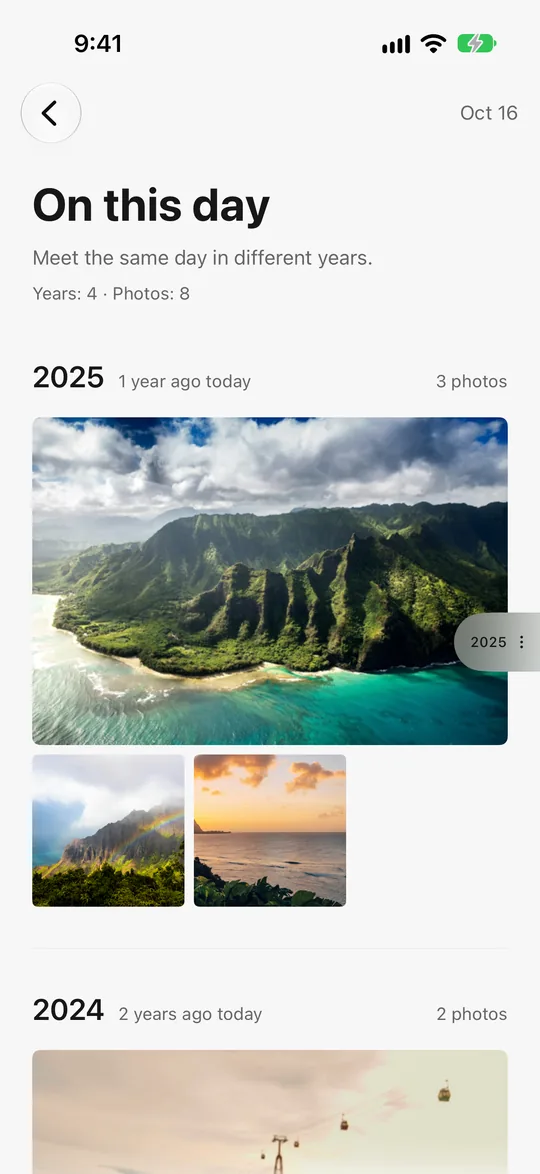
On This Day lines up photos from the same date in past years. What you snap today is next year’s memory.
Real app screens · sample photos
Photo calendar · On This Day
Your existing photos are welcome, too. Connect your photo library and start rediscovering.
Month and year indexes take you to any day. That day’s photos, Live Photos and videos sit together, and iCloud originals download when needed.
Illustration · sample photos
The same date, across the years.



Illustration · sample photos · More years with membership
Shuffle
Swipe through random memories from your library. Controls stay in the corners, leaving the screen to the photo.
10 free photos a day · unlimited with membership


Illustration · sample photos
Featured albums
Trips, weekends and ordinary days, collected into albums worth revisiting.

A new place or a full day becomes an album, by date and location.
Cats, dogs, plants, food and group photos, with new ones added each month.
Sunrises, sunsets and night skies, and snowy, rainy or foggy days, each in its own album.
Monthly and seasonal look-backs, made when the time comes.
Sample photos. Albums are made on your device. Hide or restore any of them, or turn off a whole kind.
Time MapNew
In Places you’ve been, drag the Time ruler to go back to any year, month or day. Pick a Time of day and the map changes its light. Play back month by month to watch your places light up.
Visit history stays on your device, and you can block places you don’t want reminders for.
First time
 36
36

Illustration · sample photos
Share
Swipe through eight styles when you share: Original, Postcard, Film strip, Photo receipt, Cover story, Color palette, Photo booth and Walking journal. Pick one, add a line, then save or share.
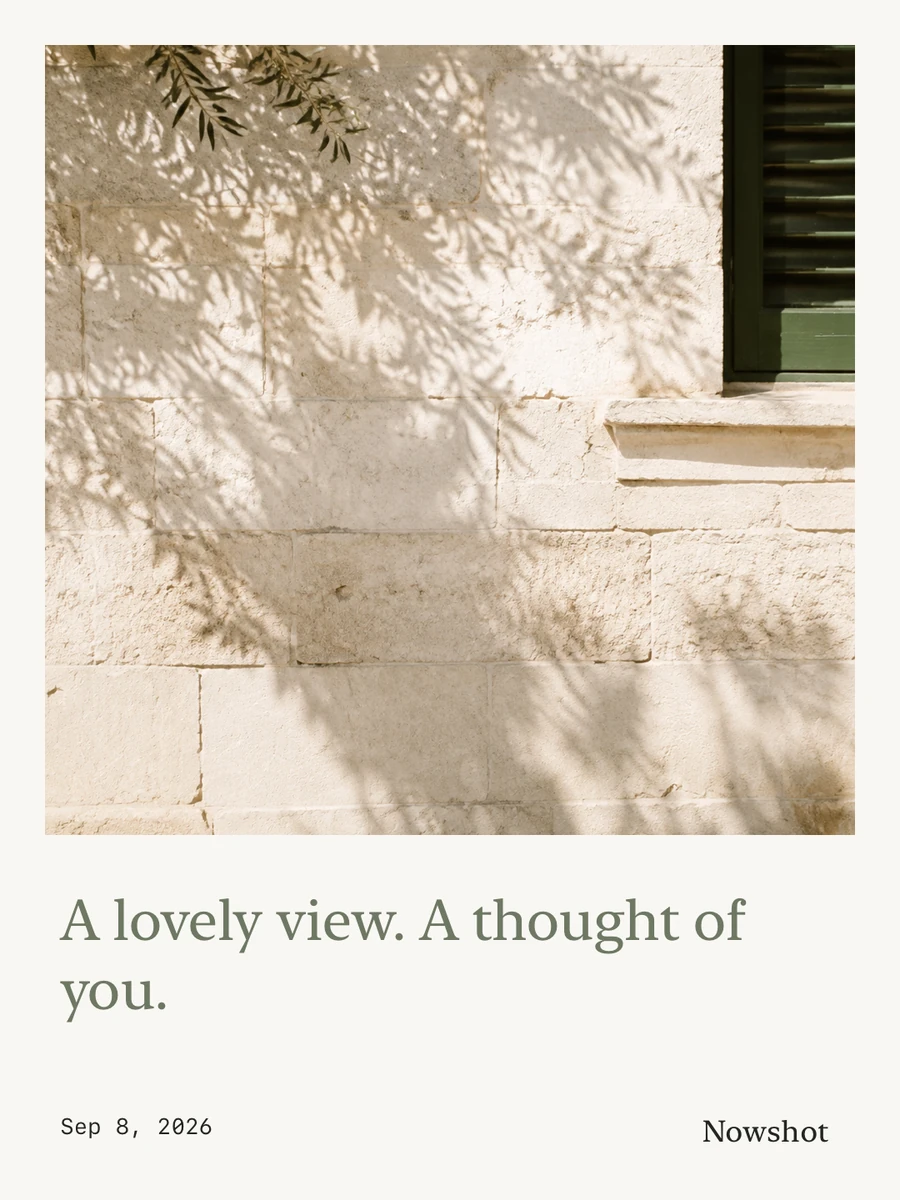
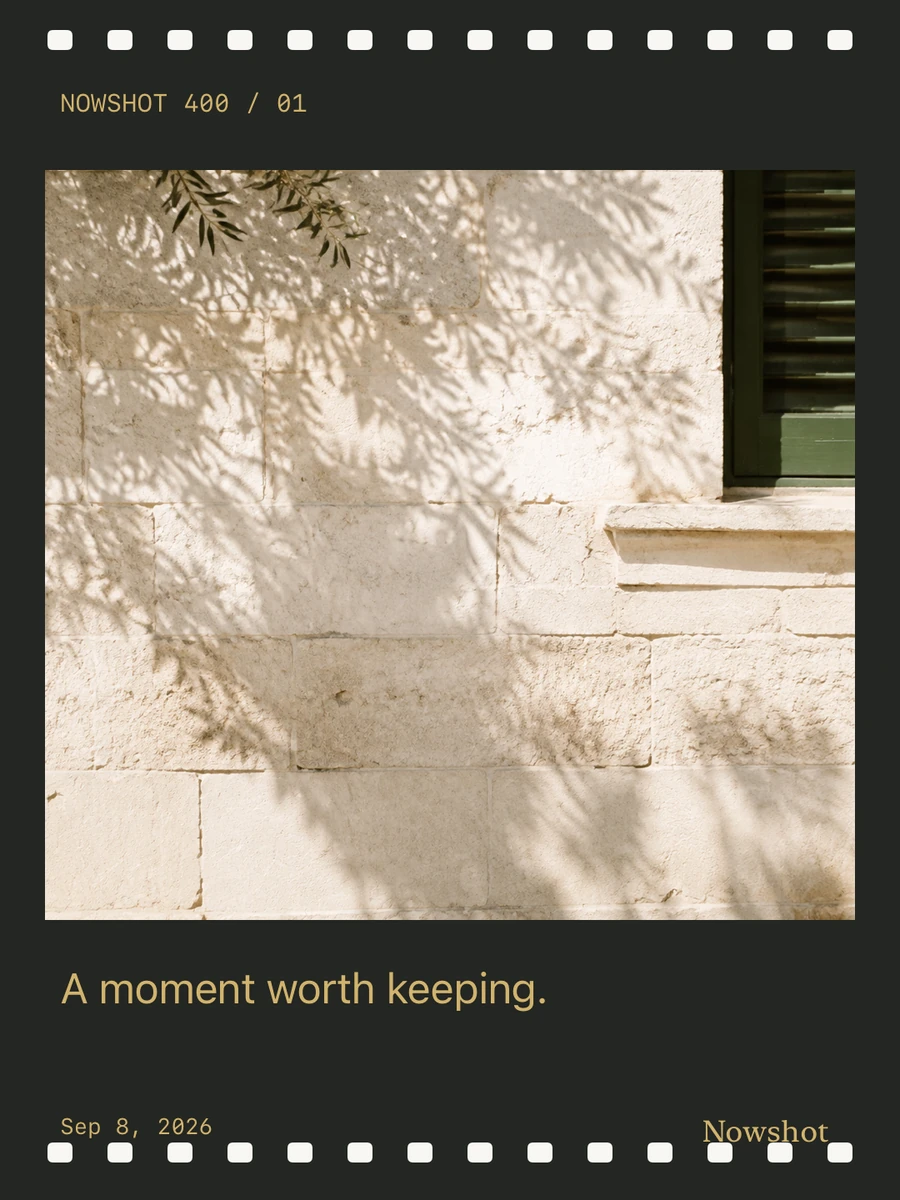
Sample creations exported from the app. Photos are for demonstration.
A built-in camera and adjustable filters. See something you love? Open Nowshot and capture it.
Linger somewhere, or catch a sunrise, sunset or snowfall, and Nowshot may invite you to take a photo. You choose how often and when it stays quiet, and can pause any time.
Keep your latest moment or On This Day on the Home Screen. On a trip, one tap starts a Live Activity with recent photos on the Lock Screen and in the Dynamic Island.
Apple Watch · iPad · iPhone Duo
Glance at your trip, revisit a memory, or give reminders a rest. Nowshot is designed for the moments between picking up your phone.
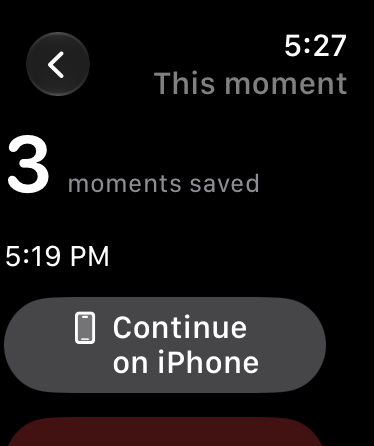
See how many moments you have saved and when you last took a photo. Continue on iPhone when you want to capture another.
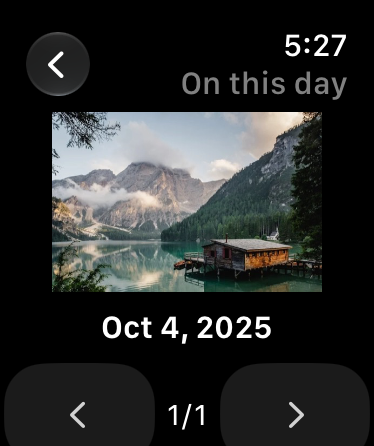
Browse On This Day and your latest photos. Turn the Digital Crown or tap to move between small, full-frame previews.
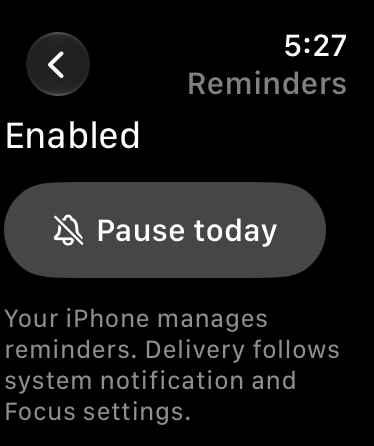
Check reminder status or pause for today. Changes are shown as complete only after your iPhone confirms them.
iPad and iPhone Duo Wide screens get top navigation or a sidebar and two-column browsing. On the foldable iPhone Duo, the layout adapts to both the outer and inner displays.
Watch App: watchOS 27 with a compatible paired iPhone. The iPhone app continues to support iOS 17 and later. Photo sync is off by default. Enable it on iPhone; clear Watch previews anytime. Originals stay in your library. System settings govern notifications and background delivery.
Native Watch App screens with sample photos. Interface examples shown in English.
Meet Nowshot in 20 seconds
See how your photos become something more: memories to revisit, albums to keep, and creations to share.
Nowshot · A quick tourMusic · On-screen text in English
Membership
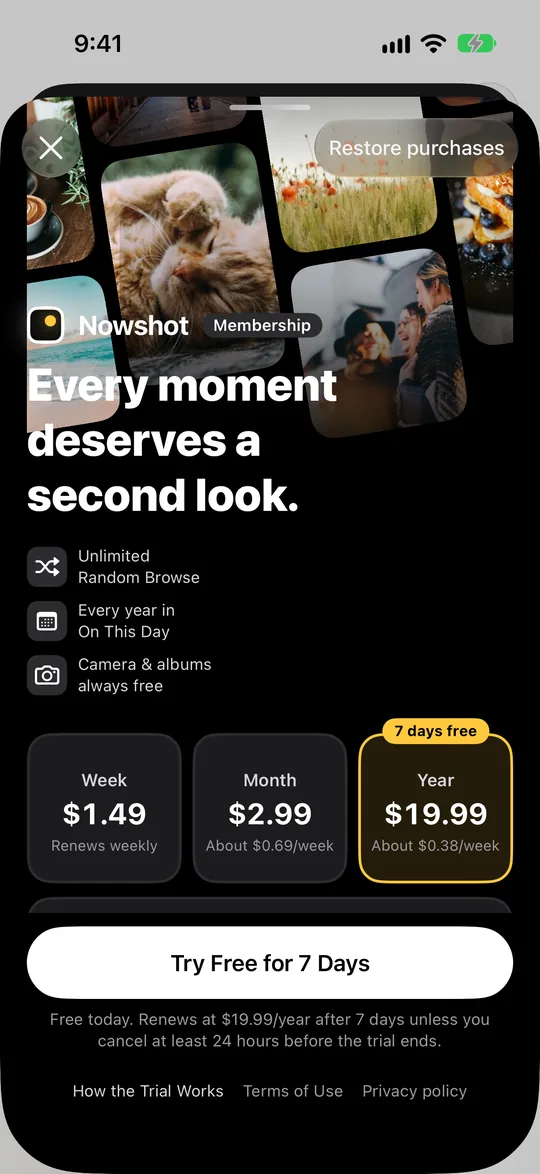
Capturing, saving and browsing your library are always free. Membership unlocks three things: unlimited Shuffle, every year in On This Day, and iCloud sync.
Subscribe, or buy once
SubscriptionWeekly, monthly or yearly. Monthly and yearly start with a 7-day free trial and nothing is charged today. With notifications on, you get a reminder two days before it ends; either way, the end date is in My Membership. Cancel at least 24 hours before the trial ends and you won’t be charged. One trial per Apple Account.
Lifetime membershipPay once and keep it for good, with no renewals. Restore it with the same Apple Account. Prices as shown in the App Store.
Privacy, from the start
Camera, photo library, location and notification permissions are requested when a feature needs them. You can skip permissions and change reminders at any time.
No account neededNo sign-up and no login. Just open the app.
No photo uploadsNo account is required, and Nowshot has no photo-upload server. Captures are saved to the Photos app; photo syncing follows your iCloud Photos settings. The app keeps local records, previews and any media needed for unfinished drafts or edits.
Organized on your devicePreviews, albums, stickers and share artwork are made on your device, and your visit history stays there too.
Yes. With your permission, Nowshot can show your photo library, photo calendar and On This Day. It loads photos as needed, without copying your whole library. You can also allow access to selected photos only.
Capturing, saving and browsing your library are always free. Membership is a weekly, monthly or yearly subscription; monthly and yearly start with a 7-day free trial, and canceling in your App Store account settings at least 24 hours before it ends means you won’t be charged. Or buy a lifetime membership once. Prices are shown in the App Store.
You can take photos without location permission. Visit reminders and location history need the relevant permission, and you choose whether to enable them.
Visit reminders first learn your usual stops, with an observation period of at least 7 days by default. Delivery also depends on permissions, frequency, quiet hours and iOS background scheduling. A visit will not always trigger a reminder.
iPhone and iPad need iOS 17 or later, and iPhone Duo is supported. The Apple Watch app needs watchOS 27 and a paired iPhone. The app is available in 22 languages; the Watch app is currently in English, Simplified Chinese and Traditional Chinese.
Your next album starts with the photos on your phone.
Download on the App StoreNot currently available on the mainland China App Store.